
Example data
Swap Exercise
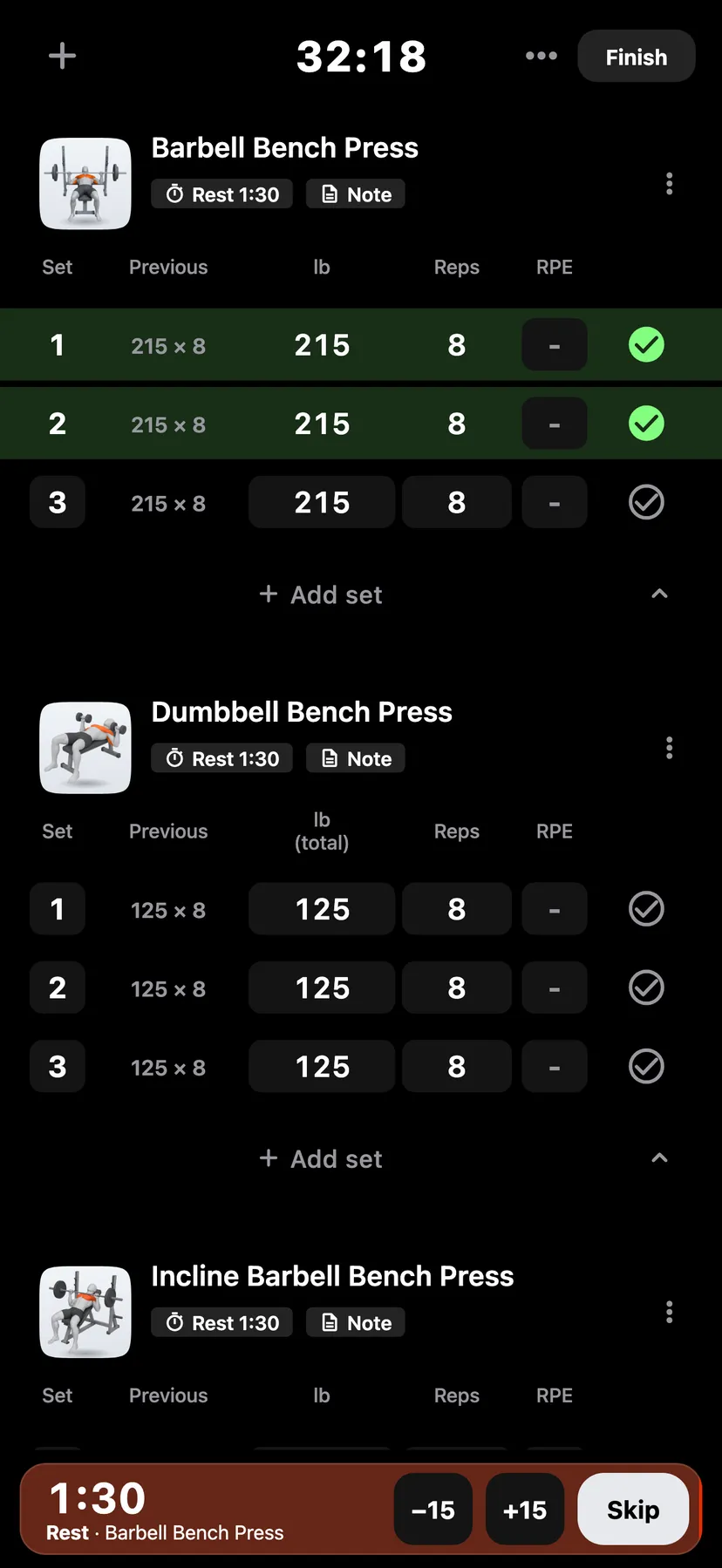
Swap exercise replaces an exercise in a workout with another one. The sets you have ticked stay with the first exercise, and the unticked sets move to the new one.
WhereTrainthena workoutthenan exercise's ⋯ menu
- 1
Tap the ⋯ button on the exercise, then tap Swap exercise.
- 2
The sheet shows an Easier and a Harder exercise, then Same move: one exercise for each kind of equipment. Tap one to swap it in.
- 3
To pick any other exercise, tap Search all exercises and choose one.
Details
- Swap exercise is in the menu while the exercise has at least one unticked set.
- In a workout in progress, the moved sets start without a weight. The first exercise's notes and rest length stay with it.
- Stretches, cardio and other exercises without a listed move show a Similar list in place of Same move.
- When you edit a saved workout, a swap replaces the whole exercise. A replacement logged the same way keeps each set's weight, RPE and Failed tag.
Related features
Checked against the app on November 13, 2026.