
Example data
Workout Logging
A workout is a list of exercises and their sets. Enter each set's weight and reps and tick it when it is done. Repva saves only the sets you tick.
WhereTrainthenStart workout
- 1
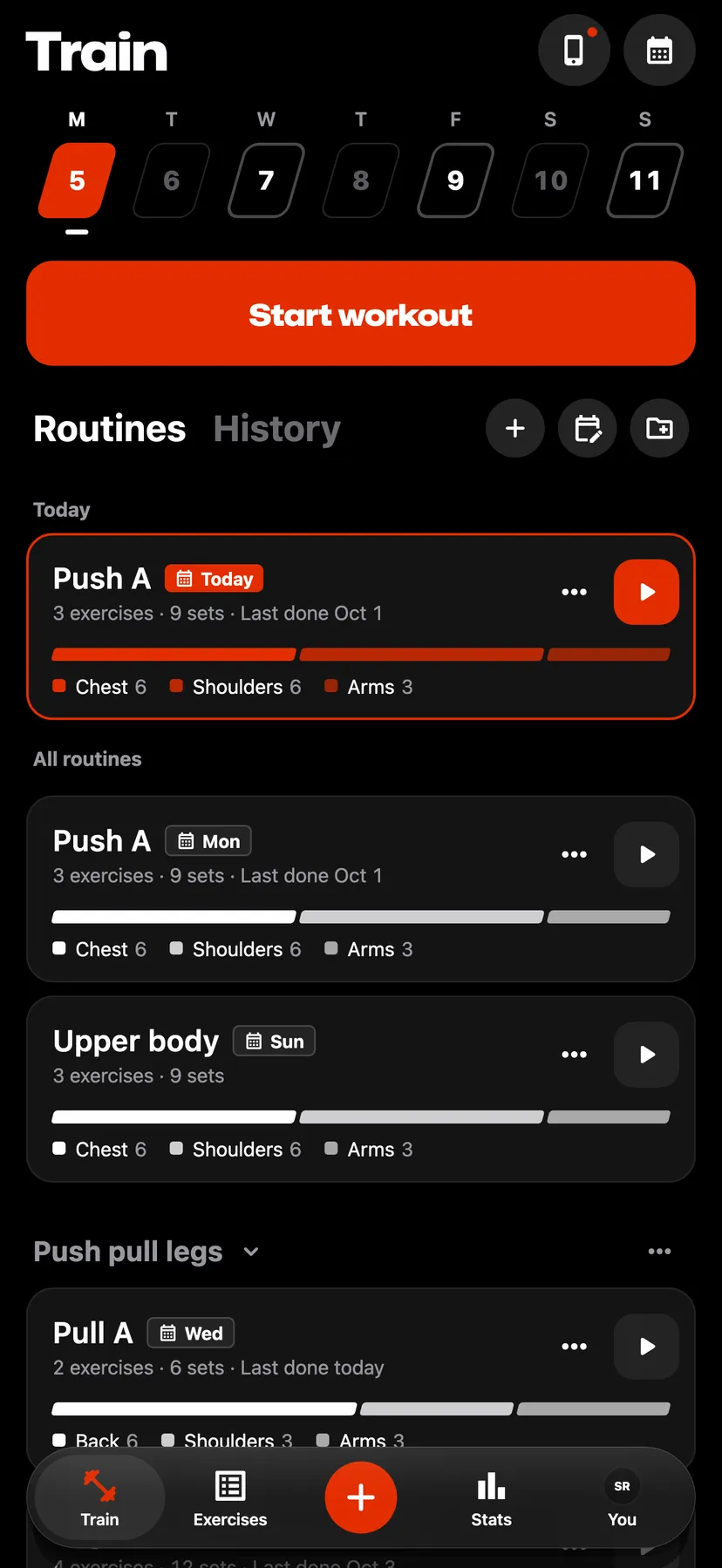
On Train, tap Start workout for an empty workout, or tap a routine's play button to start from that routine.
- 2
Tap + in the workout's header, or Add exercise under the last exercise, and pick exercises from the library. Search by name, or filter with Muscles, Equipment and Type.
- 3
Tap the set's weight field or reps field and type the value. An exercise logged by time or distance shows those fields.
- 4
Tap the tick at the end of the set row. The row turns green and the rest timer starts.
- 5
Tap Add set under the exercise's last set.
- 6
Tap Finish, then confirm with Finish under "Finish workout?". The workout's summary opens.
Settings
- Weight
- Pounds or kilograms, chosen during setup. On You, tap Training, then lb or kg beside Weight.
- Unit for one exercise
- The exercise's ⋯ menu switches that exercise between kg and lb. Repva keeps the choice for that exercise in later workouts.
- Keep screen on
- On by default. On You, tap Training, then Workout defaults.
Details
- Sets you leave unticked are not saved. The "Finish workout?" dialog says how many will be removed.
- Finish takes the accent colour once every set is ticked. It works the same before that.
- Add exercise below in an exercise's ⋯ menu adds the exercises you pick directly under that exercise.
- The + in the tab bar also starts an empty workout from any tab: tap Workout.
- A workout in progress stays as a bar above the tab bar on every tab. Tap the bar to open the workout.
Related features
Checked against the app on November 13, 2026.