
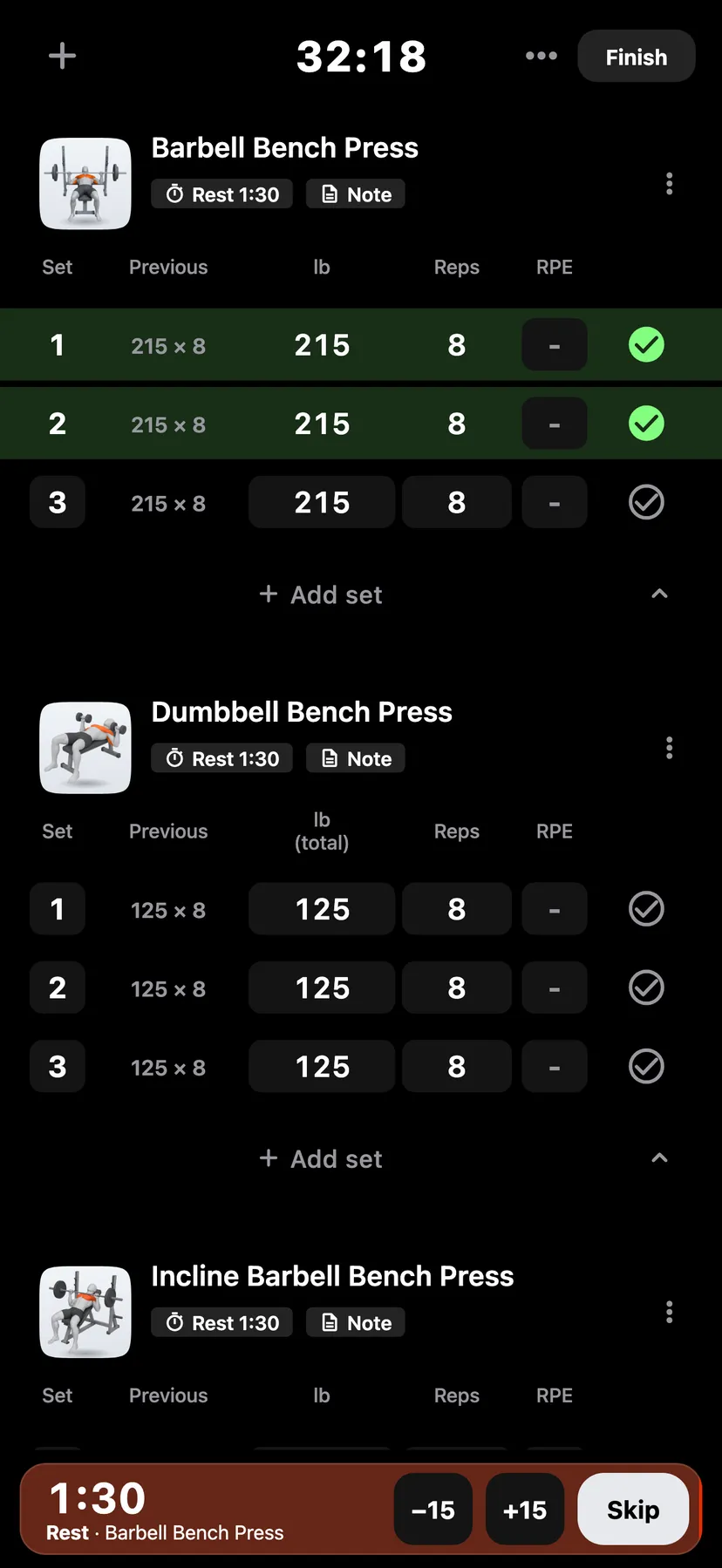
Example data
Stretches and Holds
Stretches are exercises you add to a workout like any other. Each one logs reps or a timed hold.
WhereTrainthena workoutthenAdd exercise
- 1
Add a stretch
In a workout, tap + in the header, or Add exercise under the last exercise. Set Type to Mobility and pick a stretch.
- 2
Enter reps or a time
A stretch logged by reps has a reps field. A stretch logged as a hold has a time field.
- 3
Time a hold
Tap the play button beside the time field to start the hold timer. Tap the stop button, and the time fills in.
- 4
Stopping the timer does not tick the set. Tap the tick to complete it.
Settings
- Count mobility
- Off by default. On You, tap Training, then Muscle counting. With it on, stretches add sets to the muscles they work on the muscle map and in set totals.
Details
- A stretch set that already has a time counts down from it. At zero the timer stops and keeps that time.
- One hold timer runs at a time, in a workout in progress only.
- A workout with only stretches does not count toward the weekly streak.
- Stats has a Mobility page for your stretching.
Related features
Checked against the app on November 13, 2026.