
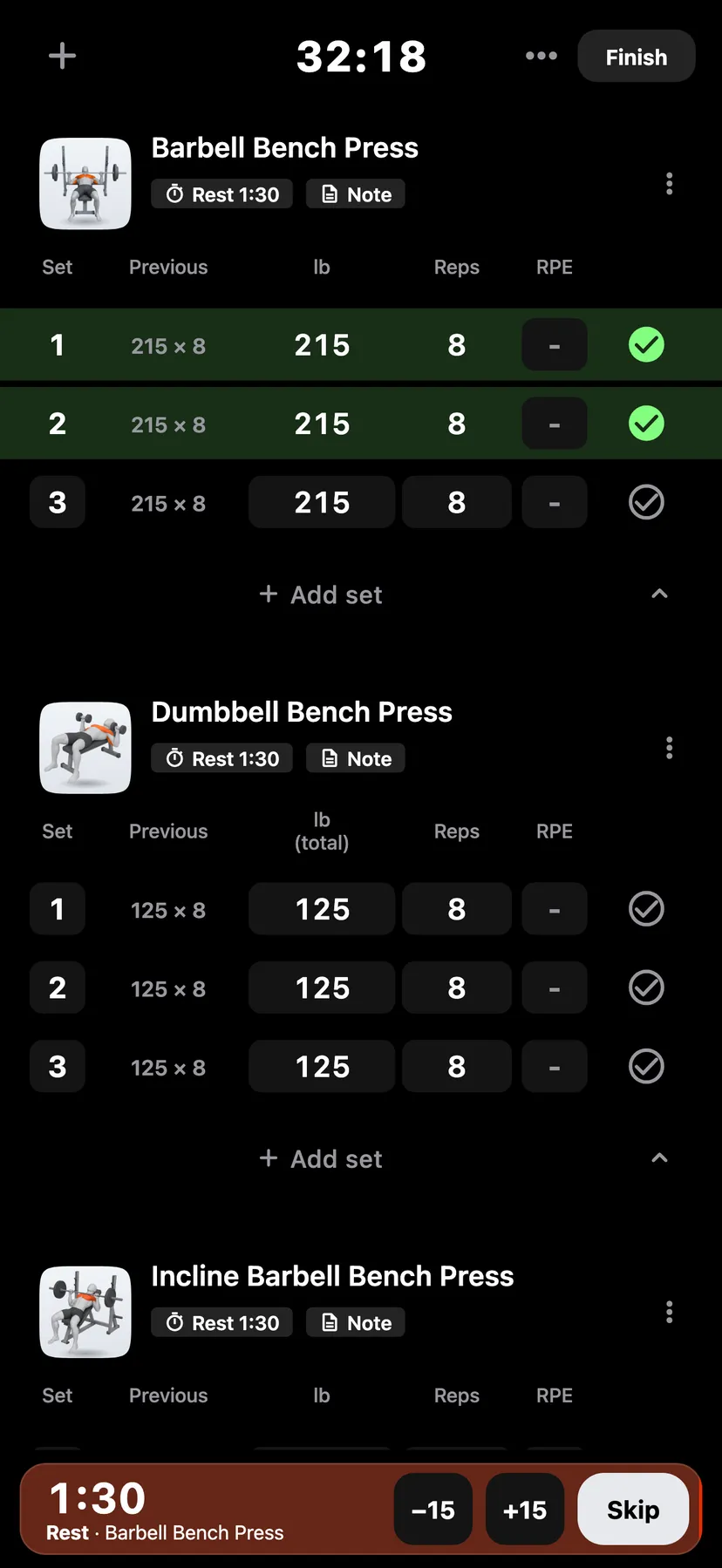
Example data
Offline Logging
Repva saves each set on your iPhone as you log it. Logging works the same with no connection.
WhereTrainthena workout
- 1
Start a workout and tick your sets as usual. Each ticked set is saved on your iPhone.
- 2
Tap Finish and confirm. The workout is saved on your iPhone and shows under History on Train.
- 3
On You, the Backup row shows whether your workouts are backed up.
Details
- Without Pro, your workouts stay on this iPhone, and logging never needs a connection.
- Cloud backup and sync needs Pro. With Pro, a workout logged offline goes to your Repva account when the connection returns.
- A workout you have not finished stays on your iPhone until you finish or discard it.
- Apple Watch logs without the iPhone nearby.
Related features
Checked against the app on November 16, 2026.