
Example data
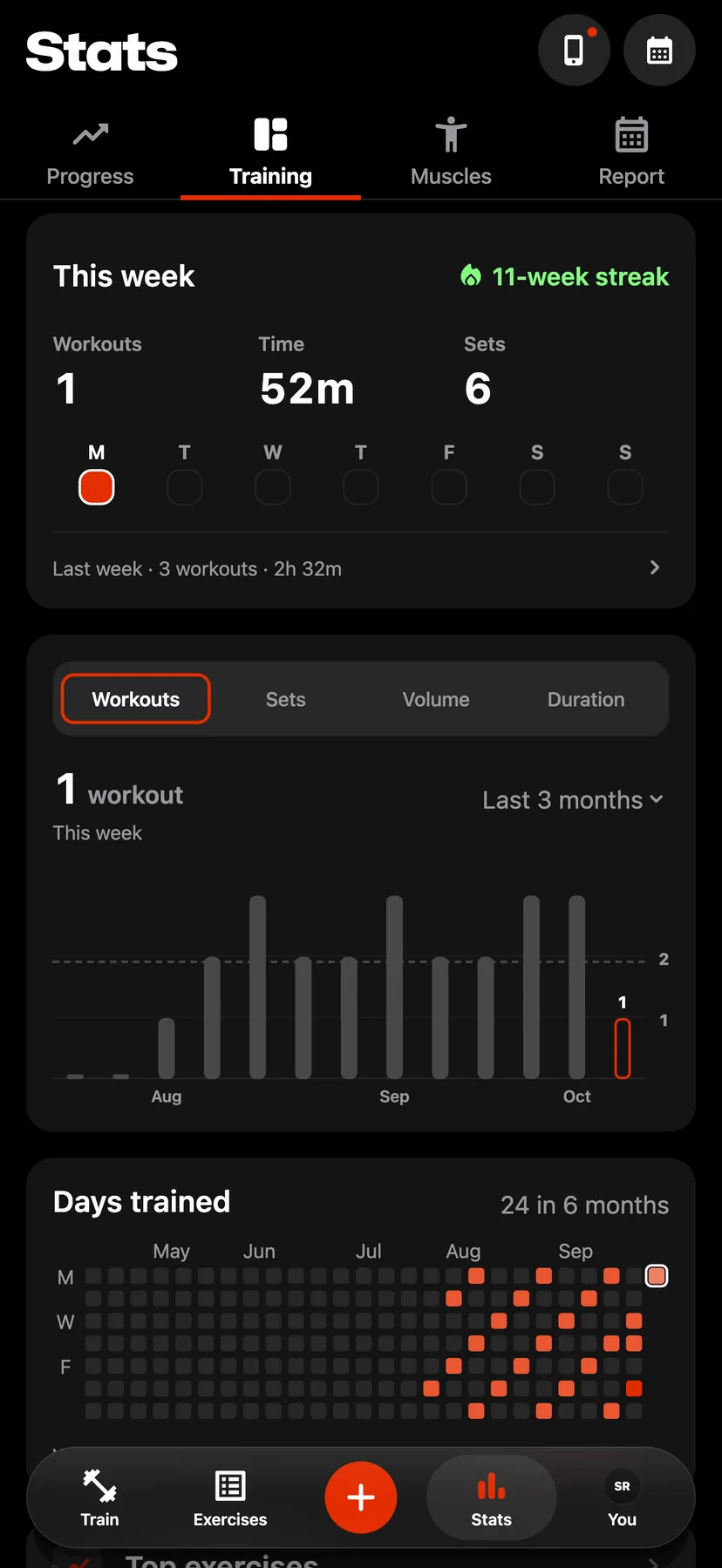
Weekly Streak
The streak counts the weeks in a row that each have at least one strength workout.
WhereStatsthenTrainingthenThis week
- 1
Tap Stats in the dock, then Training. The streak is at the top right of This week, beside a flame.
- 2
A sheet opens with Your streak, Workouts in this streak and Longest over a calendar of the month.
- 3
Tap the arrows at the top of the sheet, or swipe the calendar. A check beside a week marks a week with a strength workout, and a ring marks the current week.
- 4
The day's workouts open.
Settings
- Week starts
- Monday by default. On the You tab, under Training, set Week starts to Mon or Sun. The streak's weeks start on that day.
Details
- A week counts when it has a saved workout with a strength exercise. A workout of warm-up sets counts, and there is no minimum length.
- Cardio-only workouts, Apple Health imports with no strength exercise and mobility do not count.
- The current week never breaks the streak. Until the week ends, the streak counts back from last week, and a strength workout this week adds the week.
- The streak is counted from your saved workouts. Logging a workout on an earlier day adds that day's week, and deleting a week's only strength workout removes that week.
- The streak has no goal and no freeze.
- When the first strength workout of a week adds that week to a streak of 2 weeks or more, the workout summary that opens after Finish shows the streak under the workout's name.
Related features
Checked against the app on November 14, 2026.