
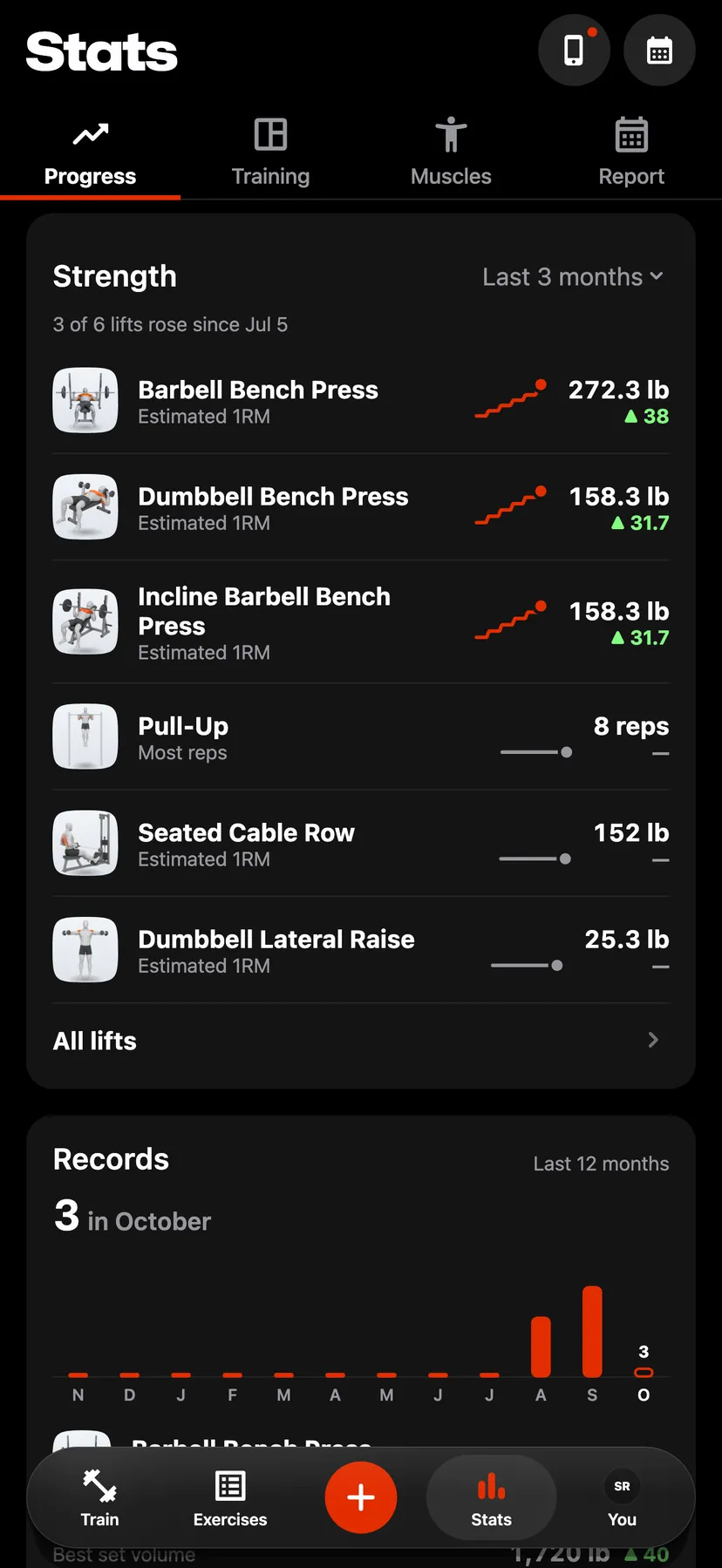
Example data
Training Stats
The Training tab in Stats shows this week's strength workouts, time and sets, a trend chart, the days you trained in the last 26 weeks, and the rows that open Top exercises, Cardio, Mobility and Steps.
WhereStatsthenTraining
- 1
Tap Stats in the dock. Stats opens on Progress. Tap Training.
- 2
This week shows the week's Workouts, Time and Sets over a square for each day, with last week's workouts and time under them. Tap the card to open Training log, which lists every week since your first strength workout.
- 3
On the card under This week, choose Workouts, Sets, Volume or Duration, then a range from Last 7 days to Last year. Tap a bar to read that period.
- 4
Days trained shows a square for each day of the last 26 weeks, shaded by that day's working sets. Tap a day to open Training calendar on it.
- 5
The Top exercises, Cardio and Mobility rows open their pages, and a Steps row shows while Steps is on.
Settings
- Week starts
- Monday by default. On the You tab, under Training, set Week starts to Mon or Sun. This week, the trend's weeks and the Days trained columns start on that day.
Details
- This week, the trend and Days trained count strength workouts only. The Cardio row shows this week's cardio time and sessions.
- Warm-up sets count in no total.
- The trend opens on Last 3 months.
Related features
Checked against the app on November 13, 2026.