
Example data
Save as Routine
Save as routine makes a new routine from a workout you logged. After a workout started from a routine, Repva can also update that routine to match the workout.
WhereTrainthenHistory
- 1
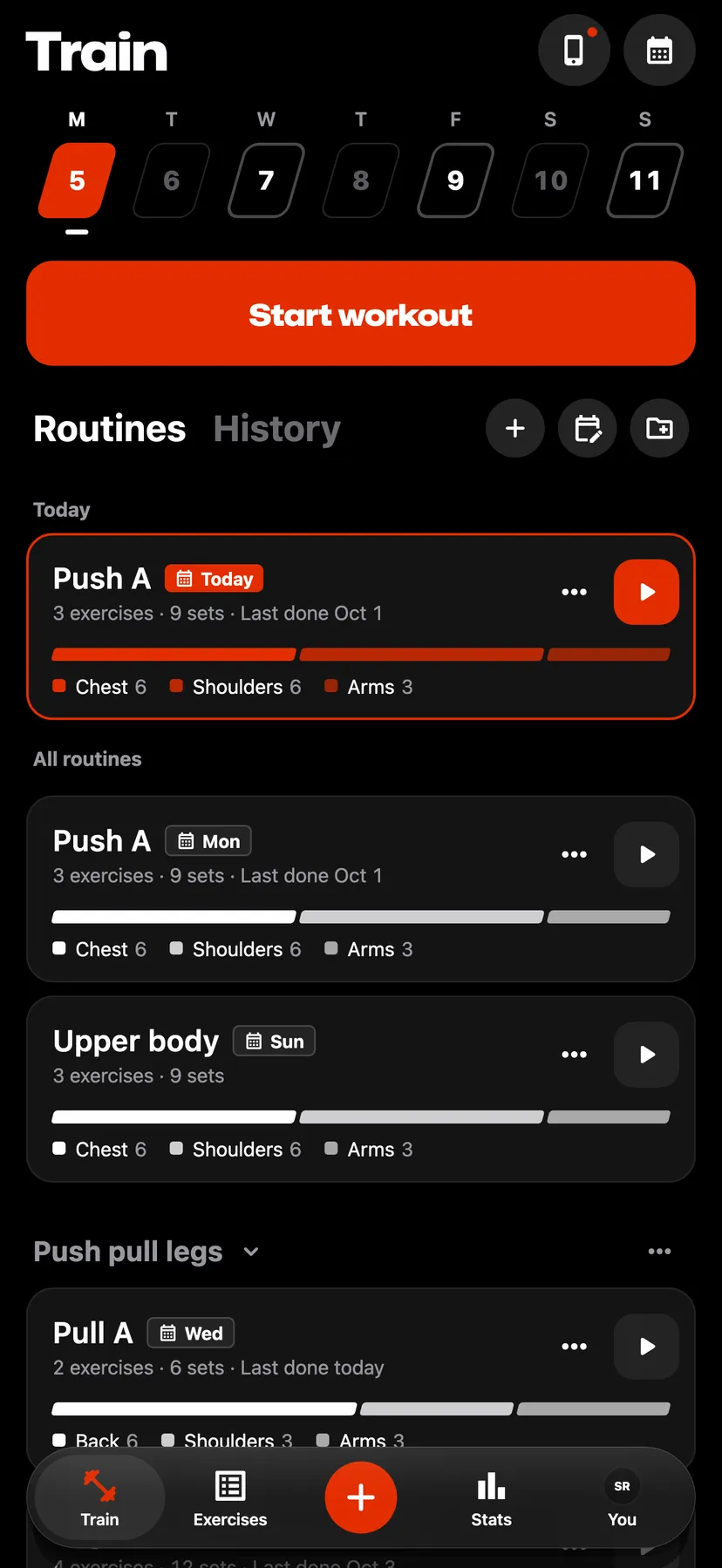
On Train, tap History in the heading beside Routines.
- 2
Hold the workout's row. The ⋯ button on a workout's summary opens the same actions.
- 3
Choose Save as routine
Tap Save as routine.
- 4
Name the routine
Change the name in Routine name if you want, then tap Save. The workout's exercises, sets and rest become a routine in your library.
Details
- Saving a workout as a routine leaves the workout unchanged.
- When you finish a workout started from a routine and its exercises, sets or rest differ from the routine, Repva asks whether to update the routine. Update routine makes the routine match the workout, and anything you skipped leaves the routine. Not now keeps the routine as it is.
- Repva asks once, when you finish the workout. Opening the workout later from History does not ask again.
Related features
Checked against the app on November 13, 2026.