
Example data
Routines
A routine saves a list of exercises with the sets, rep targets and rest you plan for each. Starting a routine opens a workout filled with those exercises and sets.
WhereTrainthenRoutines
- 1
Tap + in the dock, then New routine. On Train, the + button in the Routines heading opens the same builder, and an empty library shows a dashed New routine slot.
- 2
Name the routine
Type a name in Routine name. A routine saved without a name is called New routine.
- 3
Add exercises
Tap Add exercise, or + in the top bar, select exercises in the library and confirm.
- 4
Plan the sets
Tap Add set for each set of an exercise and enter the weight and reps you plan. A reps field takes a number, a range such as 8–12, or nothing, and the exercise's rest chip sets its rest.
- 5
Save the routine
Tap Save. Save is available once the routine has an exercise.
- 6
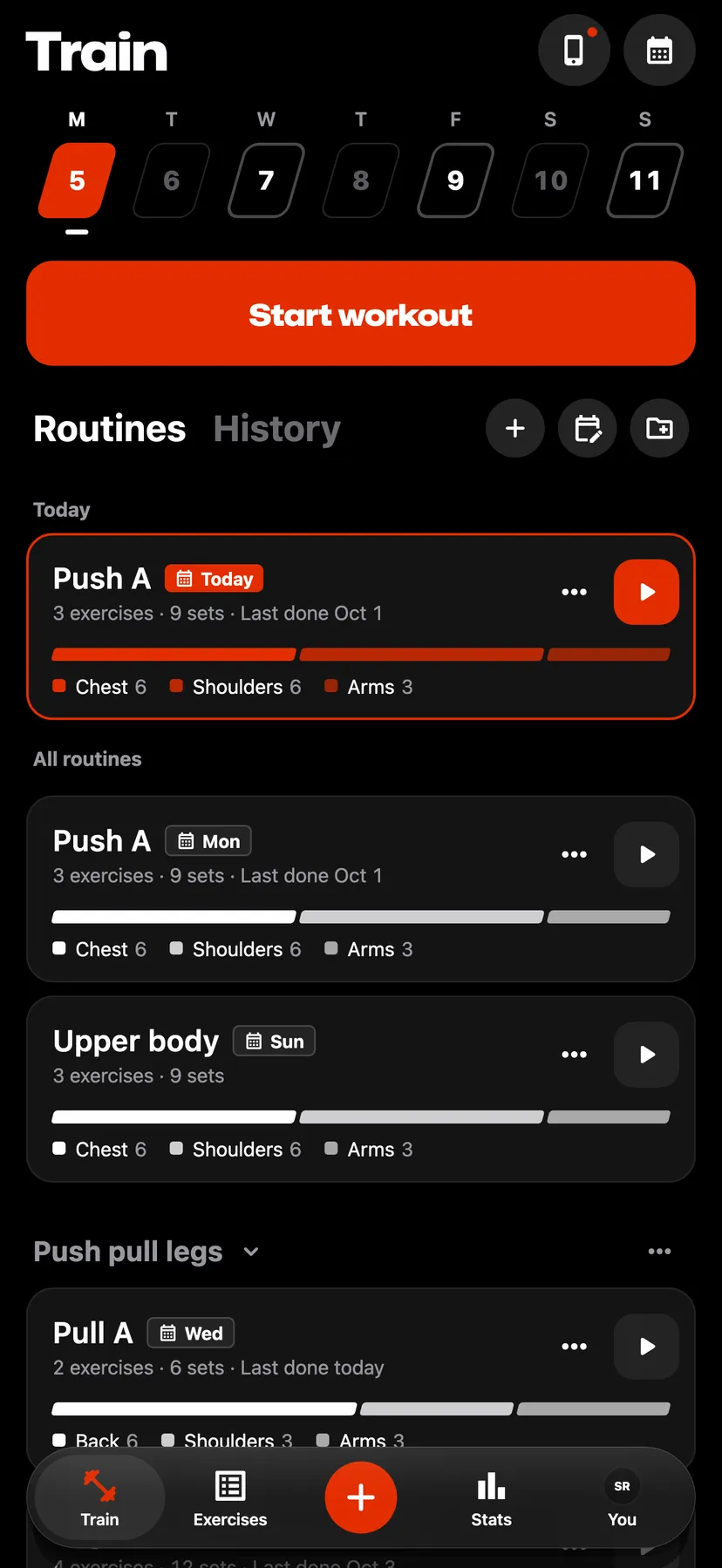
On Train, tap the play button on the routine's card. You can also tap the card to open the routine and tap Start at the foot of its page.
Settings
- Previous workout values
- Any workout by default. Same routine makes the Previous column, in a workout started from a routine, show your sets from the last time you did that routine. To change it, open Training on the You tab.
Details
- Repva has no limit on routines.
- The play button and Start are unavailable while a workout is in progress.
- The ⋯ button on a routine's card opens Edit routine, Schedule routine, Duplicate routine and Delete routine.
- Editing a routine changes the workouts you start from it afterwards. Workouts you already logged stay as they are.
- Deleting a routine keeps the workouts you logged from it.
Related features
Checked against the app on November 13, 2026.