
Example data
Use Without an Account
Repva works without an account. Everything you log is saved on your iPhone, and Repva sends none of it to a server.
WhereOpening screenthenStart
- 1
Tap Start
On the opening screen, tap Start. Repva asks for no email and no password.
- 2
Finish setup
Setup is one page. Check your units, choose whether to share crash reports, confirm you're 13 or older, accept the Terms of Service and Privacy Policy, then tap Start training.
- 3
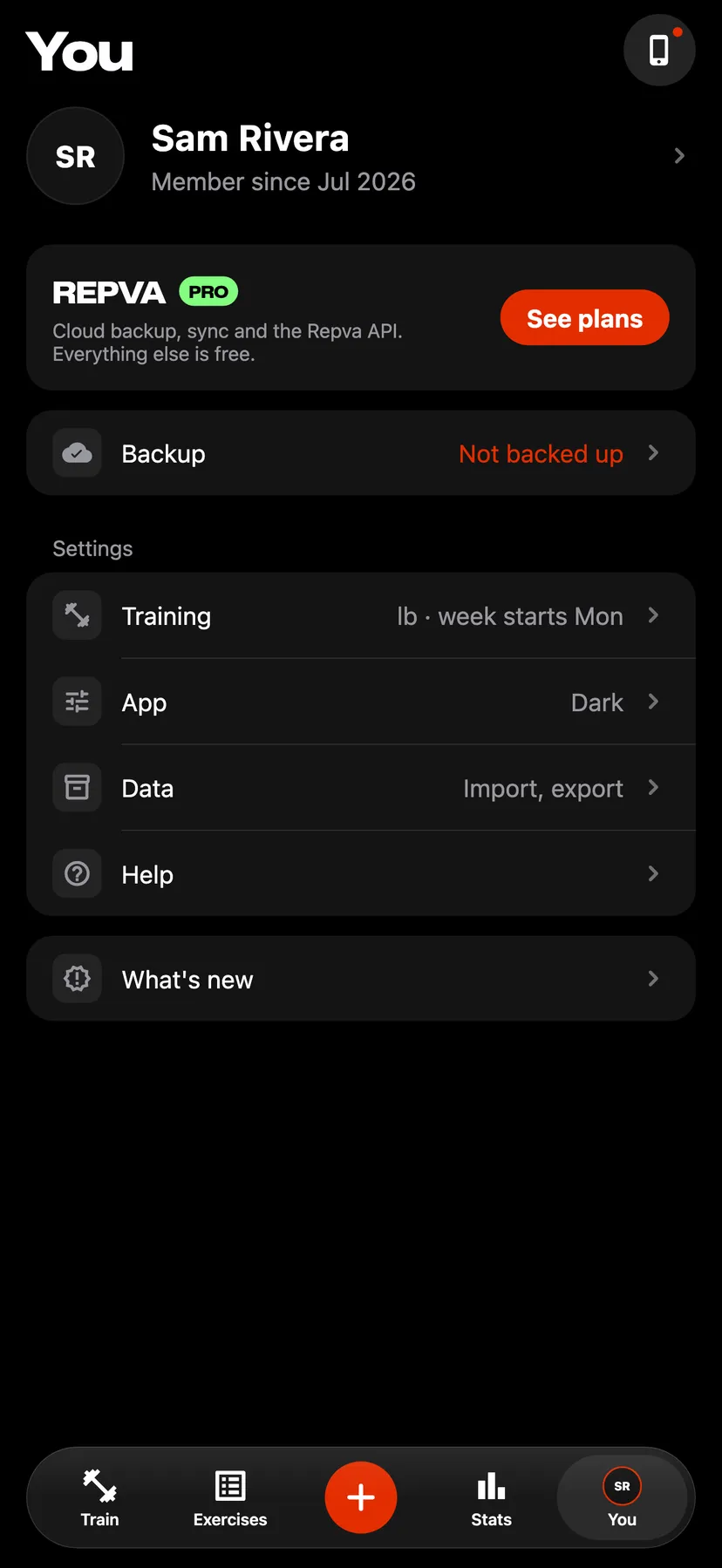
On You, tap the Backup row, then Back up now to save your log as a file you keep. Without a backup, your workouts are only on this iPhone.
Details
- Without an account, the app has no limit on workouts, routines or custom exercises.
- Your log is left out of your iPhone's iCloud Backup until you turn on iCloud Backup on the Backup and sync page.
- An account is needed only for Repva Pro, which stores a backup in a Repva account.
Related features
Checked against the app on November 16, 2026.