
Example data
Export
Export data saves what you've logged as a JSON file or as a ZIP of CSV spreadsheets.
WhereYouthenDatathenExport data
- 1
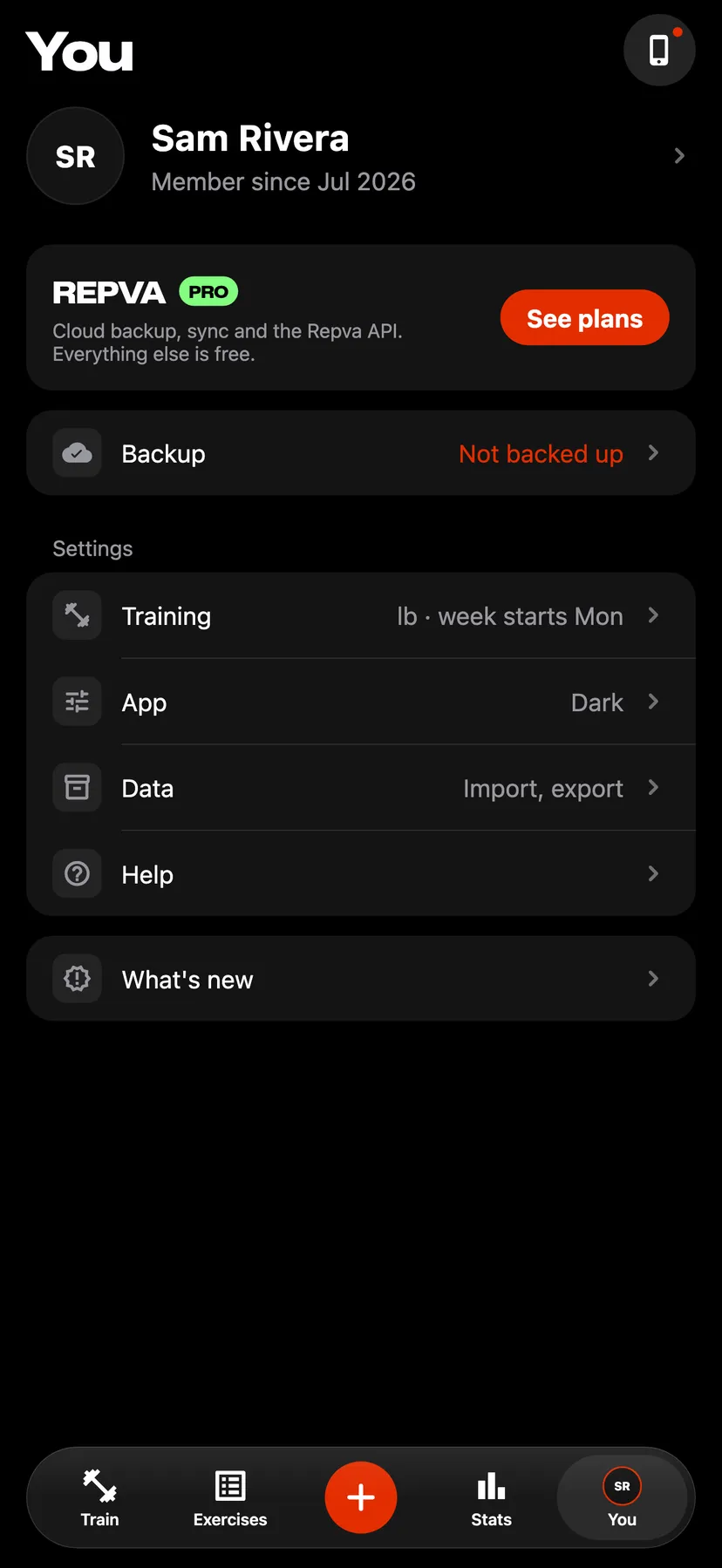
On You, under Settings, tap Data.
- 2
Tap Export data.
- 3
Tap Export JSON for one file with your workouts, routines, profile and pending changes. Tap Export CSV for a ZIP of workouts, sets, measurements, Health workouts and records.
- 4
Save the file
The iPhone share sheet opens with the file. Save it to Files or send it to another app.
Details
- Repva cannot read a JSON or CSV export back in. To restore a log, use a backup file from Backup and sync.
- The JSON export leaves out photos and the built-in exercise library.
- Export works with or without an account.
Related features
Checked against the app on November 13, 2026.