
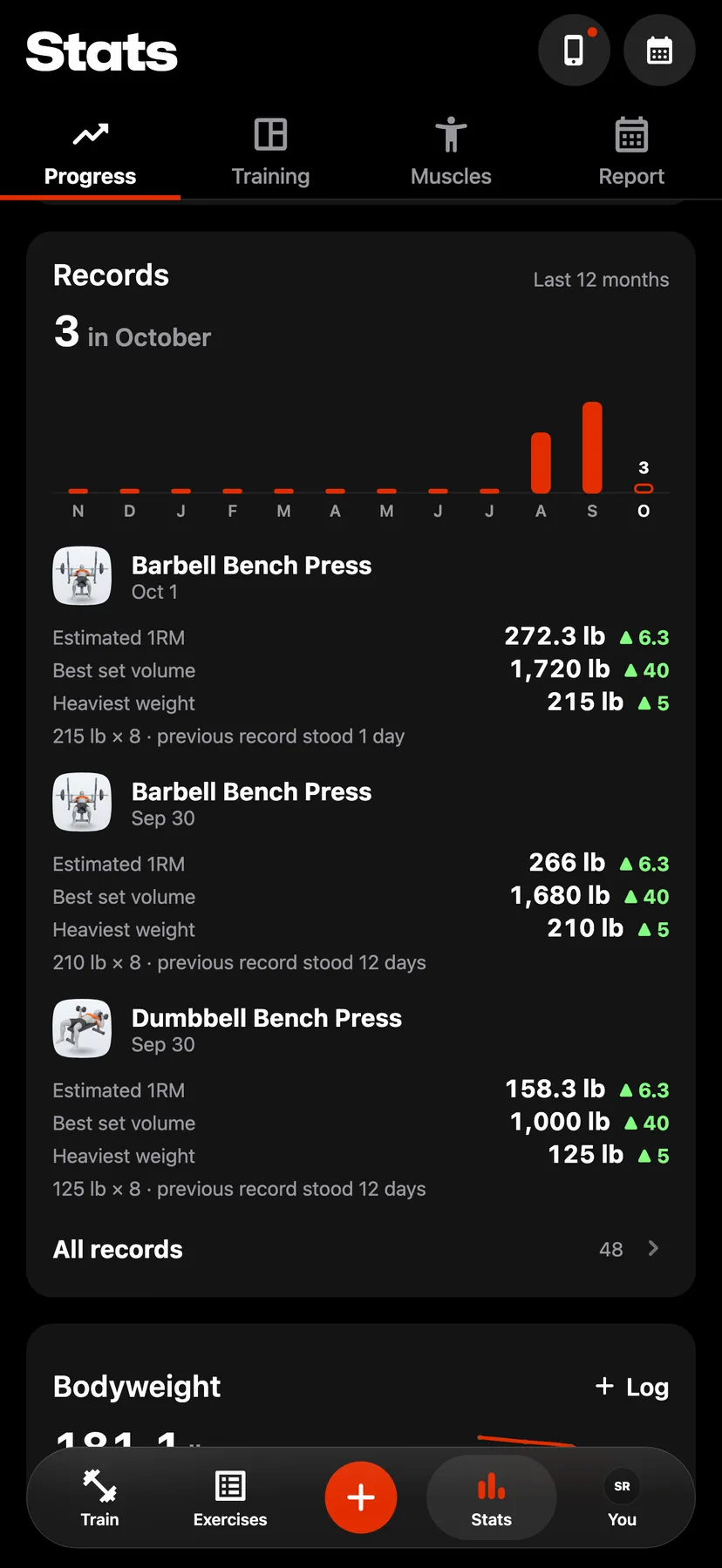
Example data
Weight from Apple Health
With the Weight switch on, Repva copies each day's latest weigh-in from Apple Health into your bodyweight.
WhereYouthenApple HealththenWeight
- 1
Open Apple Health
On You, tap the Apple Health row to open the Apple Health page.
- 2
Turn on Weight
Under Read from Health, turn on Weight. Your iPhone asks for permission to read weight from Apple Health.
- 3
In Stats, on the Progress tab, tap the Bodyweight card to open Body. An entry copied from Apple Health reads Apple Health, and one you entered reads Logged.
Settings
- Weight
- Off until you turn it on, on You under Health. Turning it off keeps the weights already copied.
Details
- Repva copies weigh-ins from your signup day on.
- A weigh-in fills only a day that has no weight. It never replaces a weight you logged.
- Repva copies weigh-ins when you open it.
- Repva never writes weight to Apple Health.
Related features
Checked against the app on November 13, 2026.