
Example data
Apple Health Cardio
Repva imports runs, rides, swims and 22 other kinds of cardio from Apple Health, including workouts recorded on Apple Watch. Each import is a workout you can edit, rename or delete.
WhereYouthenApple HealththenCardio workouts
- 1
Open Apple Health
On You, tap the Apple Health row. It reads On or Off and opens the Apple Health page.
- 2
Turn on Cardio workouts
Under Read from Health, turn on Cardio workouts. Your iPhone asks for permission to read workouts from Apple Health.
- 3
Choose whether to add earlier cardio
The first time, the Import cardio workouts dialog appears. Cardio from your signup day on imports automatically, and the dialog offers to add the 30 days before it. Repva asks this once.
- 4
Review the recordings
Tap Review recordings to open Health workouts, which lists each recording with its status. Use Include recording or Exclude recording to choose whether one counts.
- 5
Turn off a source
Workout sources has one switch for each app that has saved workouts to Apple Health. Turning a source off excludes its imported workouts.
- 6
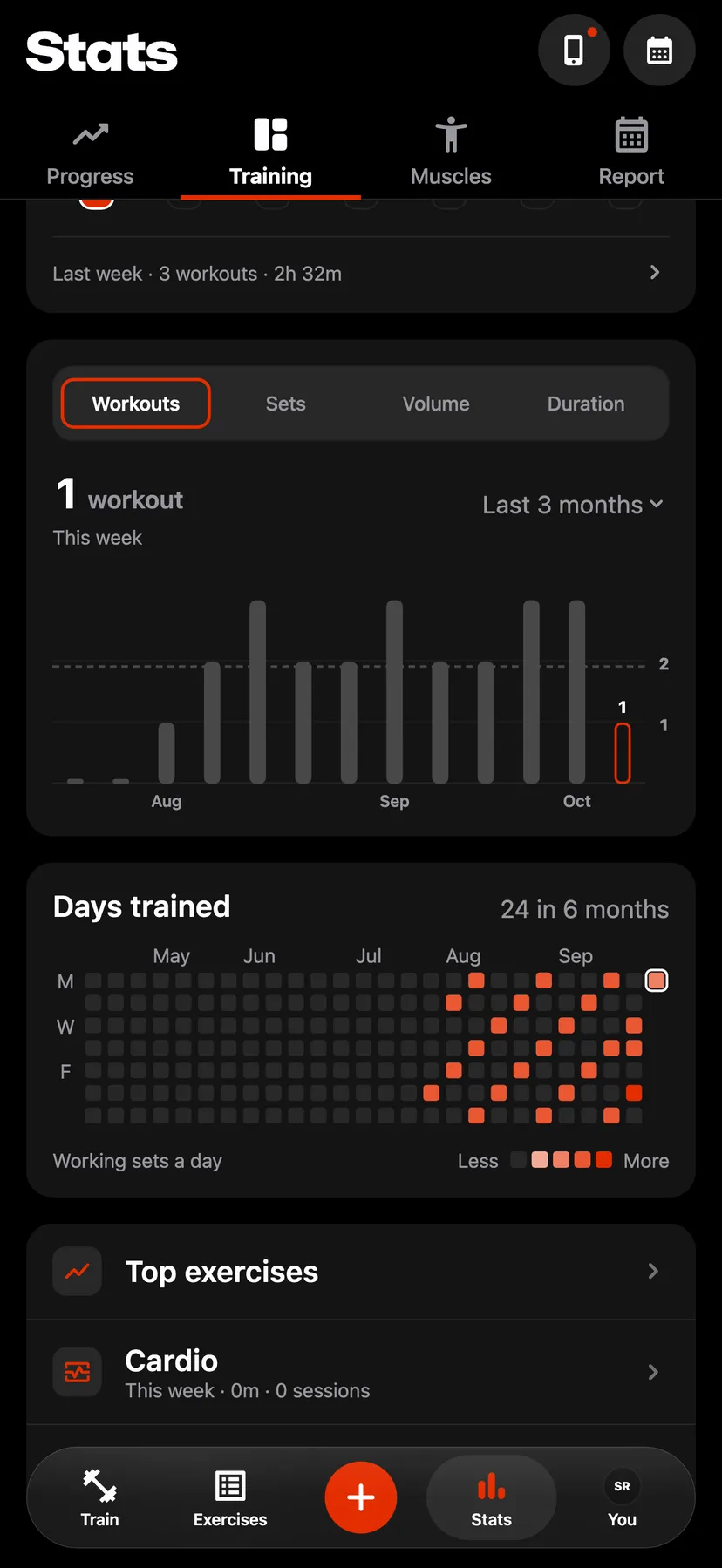
In Stats, on the Training tab, tap Cardio to see imported sessions with your time and distance. Imported workouts are also in your workout history.
Settings
- Cardio workouts
- Off until you turn it on, on You under Health. Turning it off keeps the workouts already imported.
- Workout sources
- A new source starts on. Turning a source back on includes its workouts again, except recordings you excluded and suspected duplicates.
- Manage in iOS Settings
- Opens the iPhone Settings app, where you can turn Health access on or off.
Details
- Repva reads cardio from Apple Health only. A workout from another app or watch arrives when that app saves it to Apple Health.
- Strength workouts in Apple Health are not imported.
- Repva imports when you open it. It does not import while closed.
- Repva saves each session's summary. The route and the heart-rate samples stay in Apple Health.
- When two recordings look like the same session, Repva keeps the second out of your totals as Suspected duplicate until you review it.
- An imported workout you delete in Repva is not imported again. Deleting the recording in Apple Health removes the workout from Repva.
Related features
Checked against the app on November 13, 2026.