
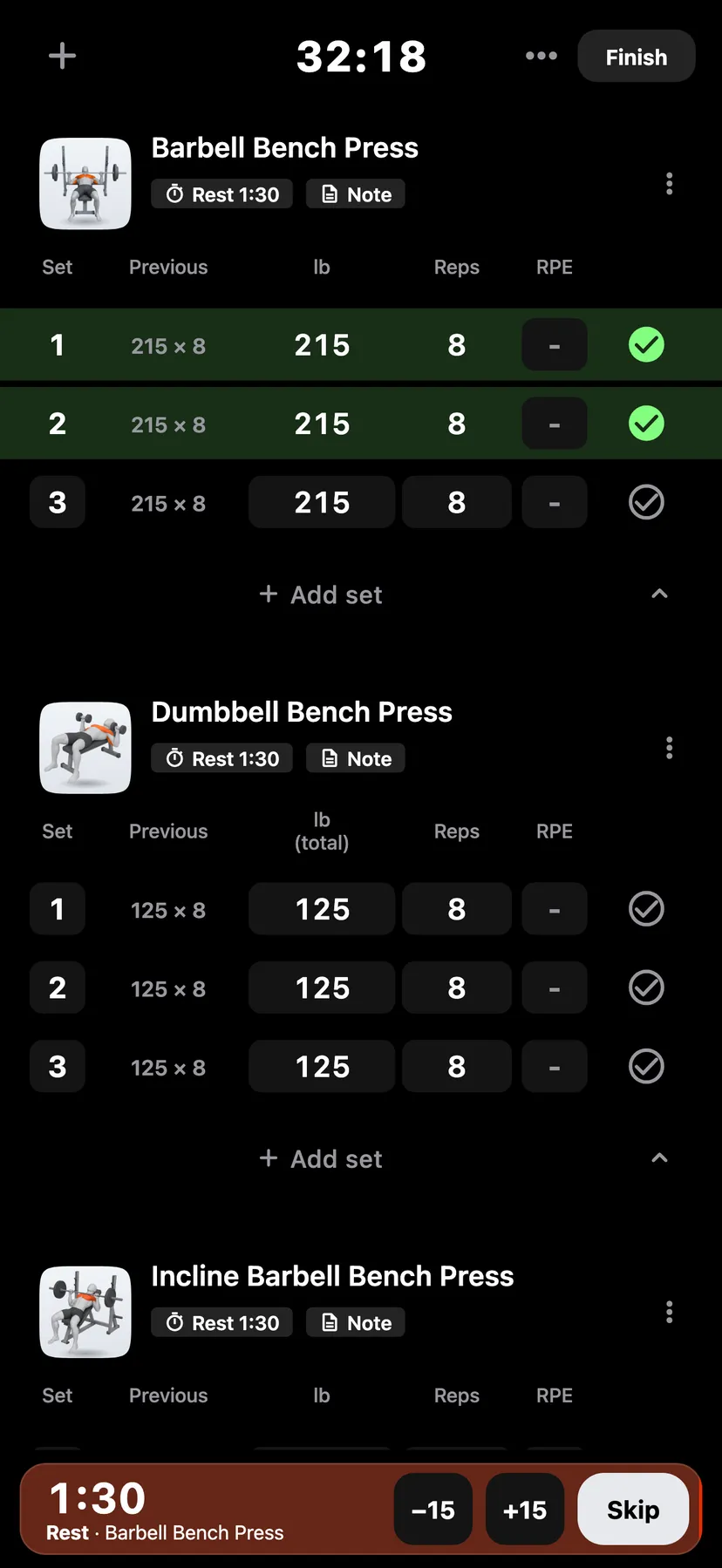
Example data
Save Workouts to Apple Health
With Save my workouts on, Repva saves each workout you finish on iPhone to Apple Health as strength training, with its start and end times.
WhereYouthenApple HealththenSave my workouts
- 1
Open Apple Health
On You, tap the Apple Health row to open the Apple Health page.
- 2
Turn on Save my workouts
Under Write to Health, turn on Save my workouts. Your iPhone asks for permission to save workouts to Apple Health.
- 3
Tap Finish in a workout. Repva saves the workout to Apple Health when you finish it.
Settings
- Save my workouts
- Off until you turn it on. On You, tap Apple Health.
Details
- The switch covers workouts you finish on iPhone. Apple Watch asks for its own Health permission.
- Workouts finished while the switch was off are not added to Apple Health.
- Changing a saved workout's start or end time in Repva updates the copy in Apple Health. Deleting the workout in Repva removes the copy.
- Repva never writes steps, energy or weight to Apple Health.
Related features
Checked against the app on November 13, 2026.