
Example data
Cardio
The Cardio page charts your cardio sessions, lists the 3 newest and totals every session. An activity chip limits the page to one kind of cardio.
WhereStatsthenTrainingthenCardio
- 1
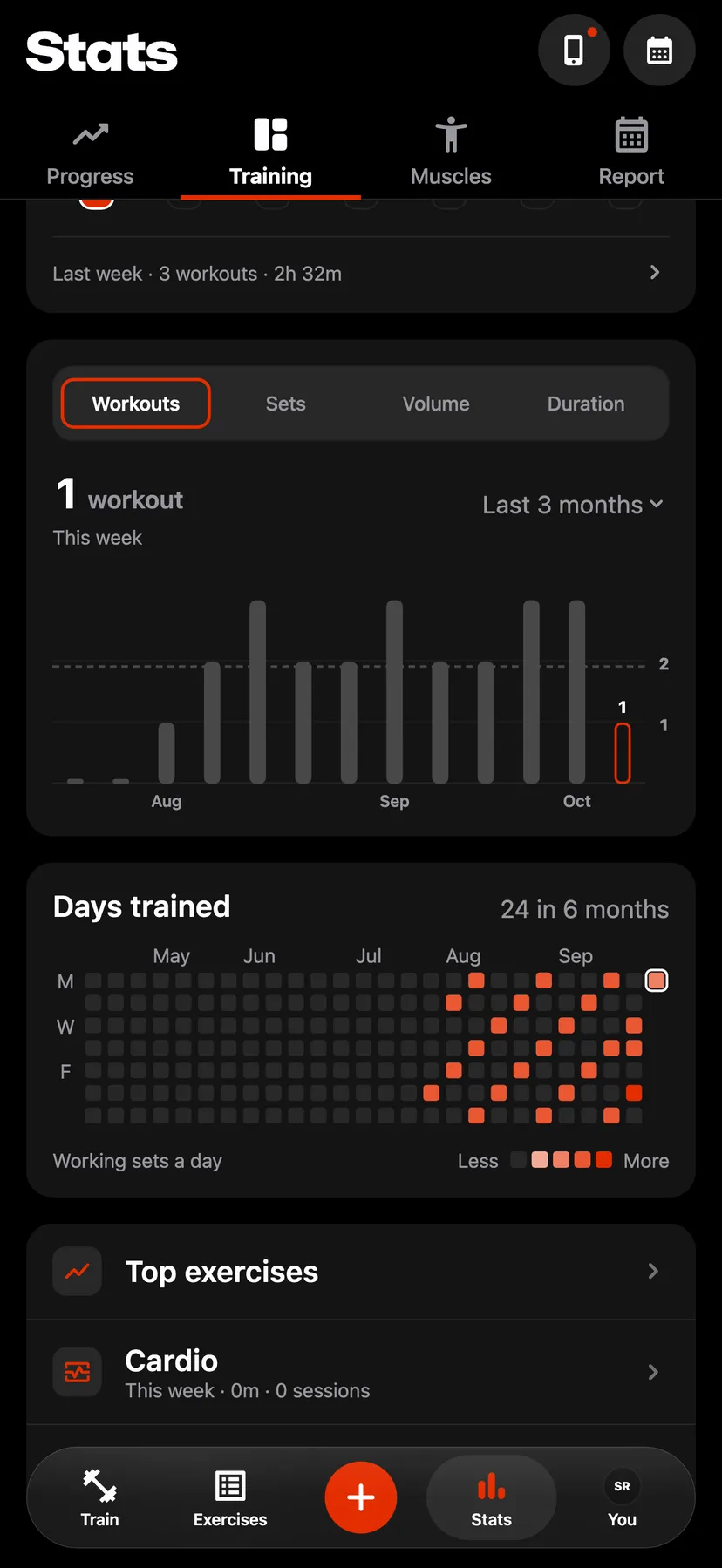
In Stats, on the Training tab, tap Cardio. The row shows this week's cardio time and sessions.
- 2
Pick an activity
The chips at the top read All, then each kind of cardio you have logged, the most logged first. The chosen chip filters every card on the page.
- 3
Change the trend
Choose Time, Distance, Climb or Sessions, then a range from Last 7 days to Last year. Tap a bar to read that period.
- 4
Open a recent session
Recent lists the 3 newest sessions with their distance, pace and time. Tap a session to open its workout summary.
- 5
Read All time
All time totals Sessions, Time, Distance and Climb.
Settings
- Cardio workouts
- On the You tab, tap Health, then turn on Cardio workouts under Read from Health. Repva then imports cardio workouts from Apple Health.
Details
- The page counts cardio imported from Apple Health and cardio logged in Repva.
- Cardio that covers no ground, such as burpees, shows no distance or climb.
- Cycling and hand cycling show speed in place of pace.
- A Best efforts card shows when the chosen activity is running, walking, hiking, cycling or hand cycling.
Related features
Checked against the app on November 13, 2026.