
Example data
Best Efforts
A best effort is your fastest stretch over a standard distance inside a run, walk or ride imported from Apple Health. Repva keeps every effort and ranks them by time.
WhereStatsthenCardiothenBest efforts
- 1
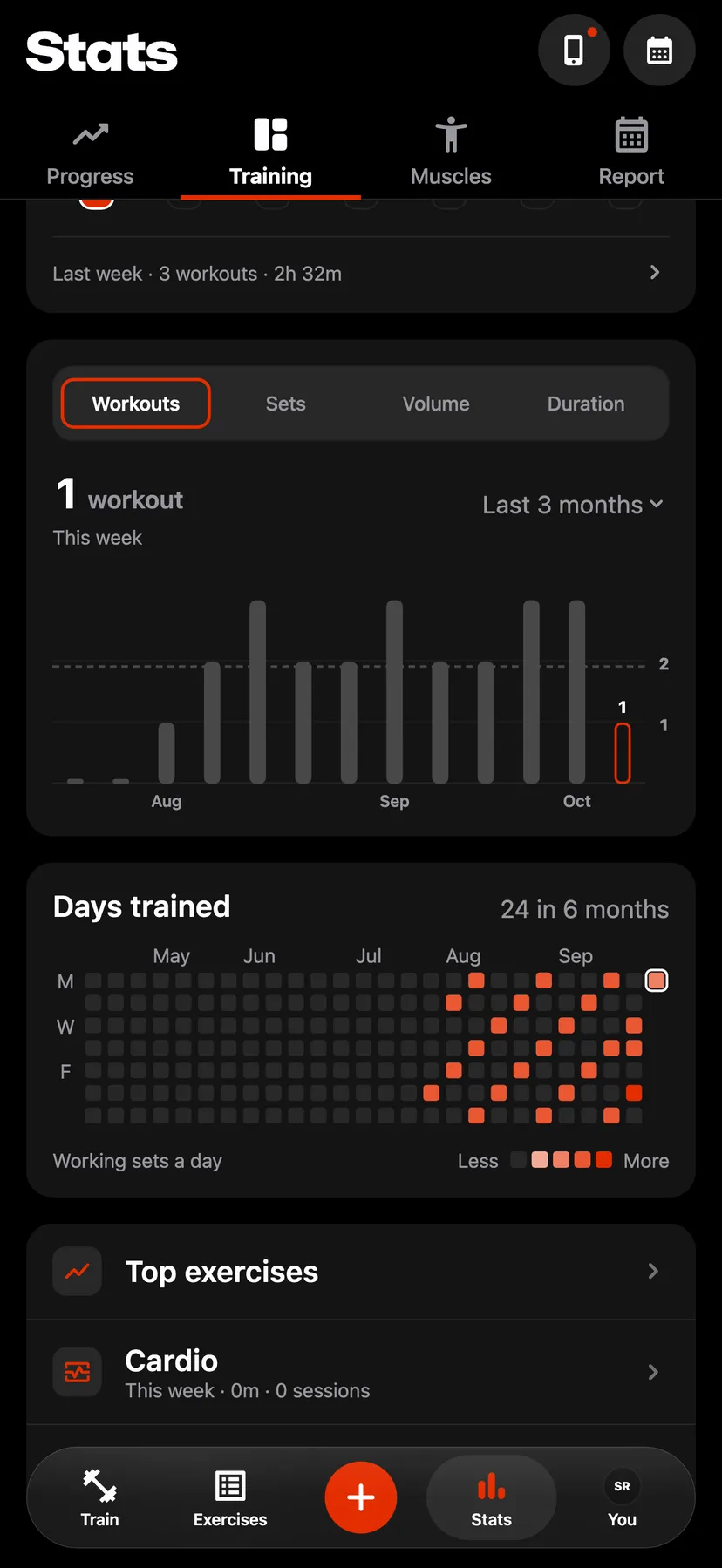
In Stats, on the Training tab, tap Cardio.
- 2
Pick an activity
Tap the chip for running, walking, hiking, cycling or hand cycling. The Best efforts card shows the fastest time at each distance.
- 3
Open Best efforts
Tap the Best efforts card. When more than one sport has efforts, choose Run, Walk or Ride at the top, then choose a distance.
- 4
Read a distance
The page shows the distance's 3 fastest times, a chart of pace over time, and every effort of one year. Tap the year to choose another. Tap an effort to open its workout.
Settings
- Cardio workouts
- On the You tab, tap Health, then turn on Cardio workouts under Read from Health. With it off, Repva reads no best efforts.
Details
- Run distances: 1 mile, 5K, 10K, 15K, 10 mile, half marathon and marathon.
- Walk distances, which include hikes: 1 mile, 5K, 10K, half marathon and marathon.
- Ride distances: 10 mile, 20 mile, 40K, 50 mile, 100K and 100 mile. A ride shows speed in place of pace.
- Repva finds efforts in the distance recorded by Apple Health during the workout. A cardio session logged in Repva has none.
- On the Best efforts card, a time set in the last 30 days is highlighted.
- The distance choices list the distances you have reached.
- Best efforts are worked out on your iPhone and are not synced.
Related features
Checked against the app on November 13, 2026.