
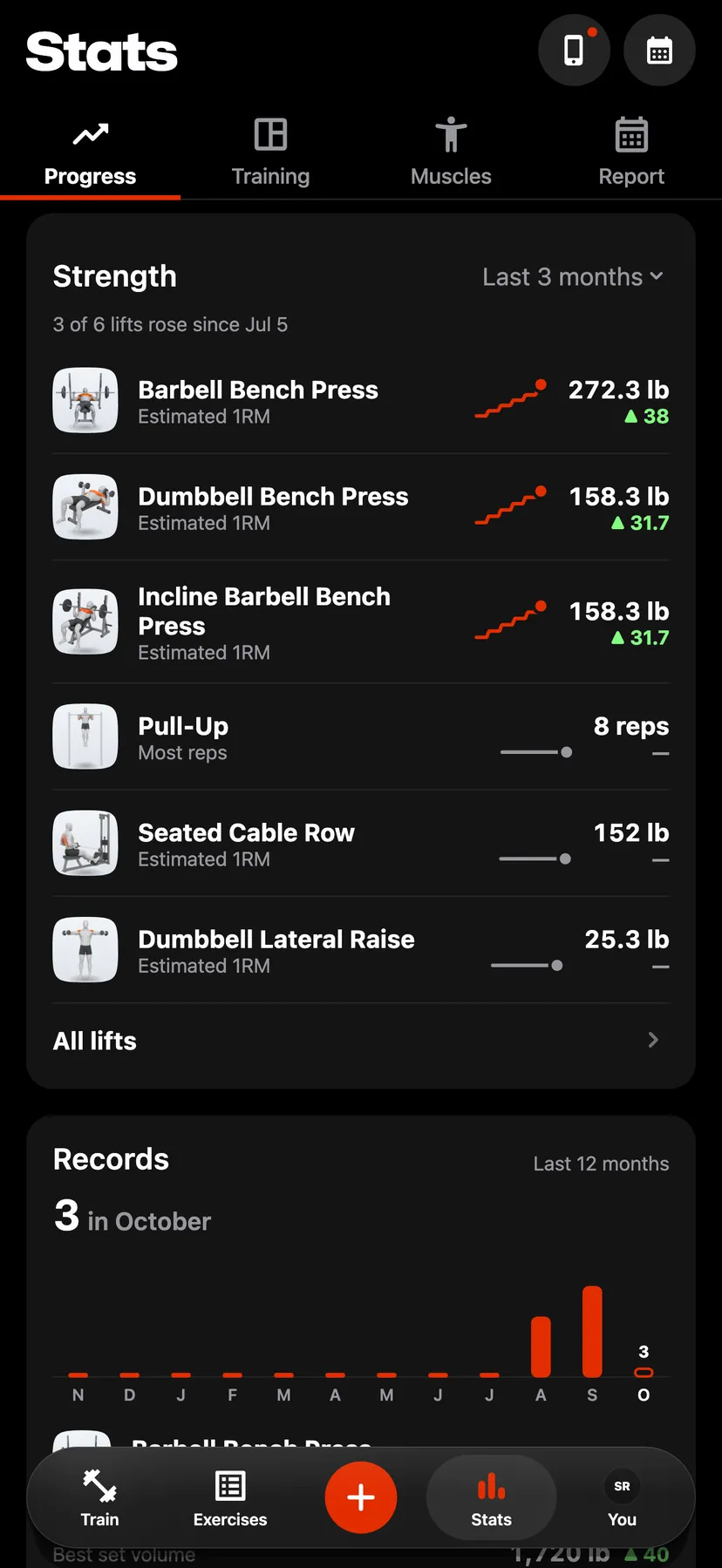
Example data
Monthly Report
The Report tab in Stats totals the strength training of a month, a year or all time: workouts, time, volume, sets, days trained, records and muscles. You can share it as images.
WhereStatsthenReport
- 1
In Stats, tap Report. It opens on the last finished month.
- 2
Tap the period at the top of the page and choose Month, Year or All time. The arrows beside it step one month or one year, back to your first workout.
- 3
Workouts, Time, Volume and Sets sit above the chart, each over its change from the period before. Tap a total to chart it, and tap a bar to read that part of the period.
- 4
Days trained marks each trained day of a month. Records lists the records set in the period. Sets by muscle lists the 5 muscles with the most sets.
- 5
Tap the Share button at the bottom of the page, which names the period. Swipe between the cards, then tap Share to share the card on screen.
Details
- The report counts strength training. Warm-up sets count in no total.
- A month or a year is compared with the whole month or year before it. All time has no comparison.
- The chart has one bar for each 7 days of a month, each month of a year, or each year of all time.
- Days trained shows for a month only.
- Each shared card is a square 1080 × 1080 image: Workouts, Totals, Days trained for a month, Records when the period has one, and Sets by muscle when the period has a set. The cards carry no username.
Related features
Checked against the app on November 13, 2026.