
Example data
Streak Reminder
While you have a streak and the current week has no strength workout, Repva sends one notification at 6 PM on the last day of the week.
WhereYouthenAppthenNotifications
- 1
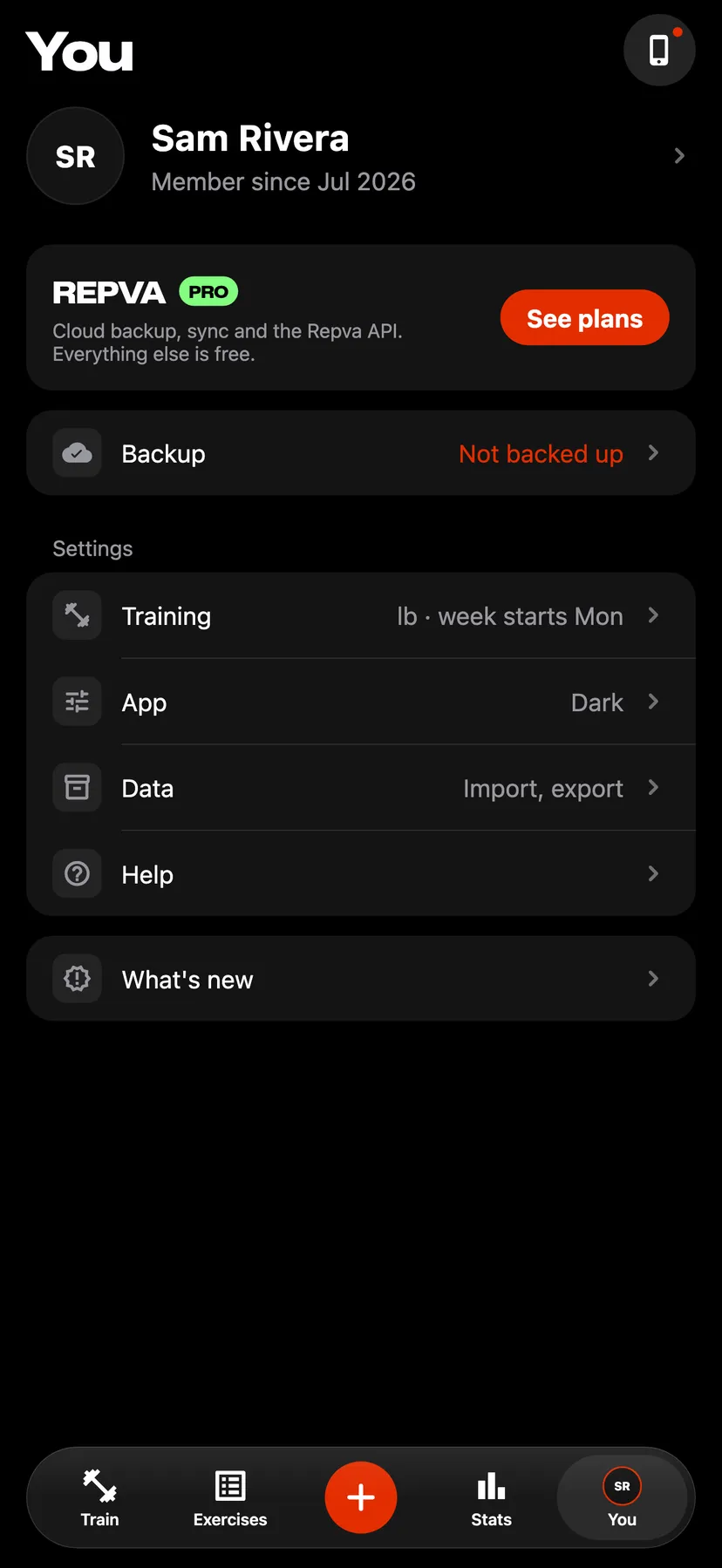
On You, under Settings, tap App.
- 2
The row reads Streak reminder on or Streak reminder off.
- 3
Turn Streak reminder on or off
The page shows the notification under the switch. If notifications are off for Repva on the iPhone, the page says so.
Settings
- Streak reminder
- On by default. On You, tap App, then Notifications.
- Week starts
- Monday by default. On You, tap Training and set Week starts to Mon or Sun. The reminder is sent on the day before the week starts again.
Details
- The notification names the streak's length in weeks.
- With no streak, Repva sends no reminder.
- In a week that already has a strength workout, Repva sends no reminder.
- The reminder is scheduled on your iPhone, and the switch applies to this iPhone only.
- Repva has no quiet hours. An iPhone Focus decides whether the notification is delivered.
Related features
Checked against the app on November 13, 2026.