
Example data
Share Image
Repva makes a square 1080 × 1080 image of one workout that you can send or post from the iPhone share sheet. You choose one of four cards and one of three colors.
WhereTrainthenTraining calendar
- 1
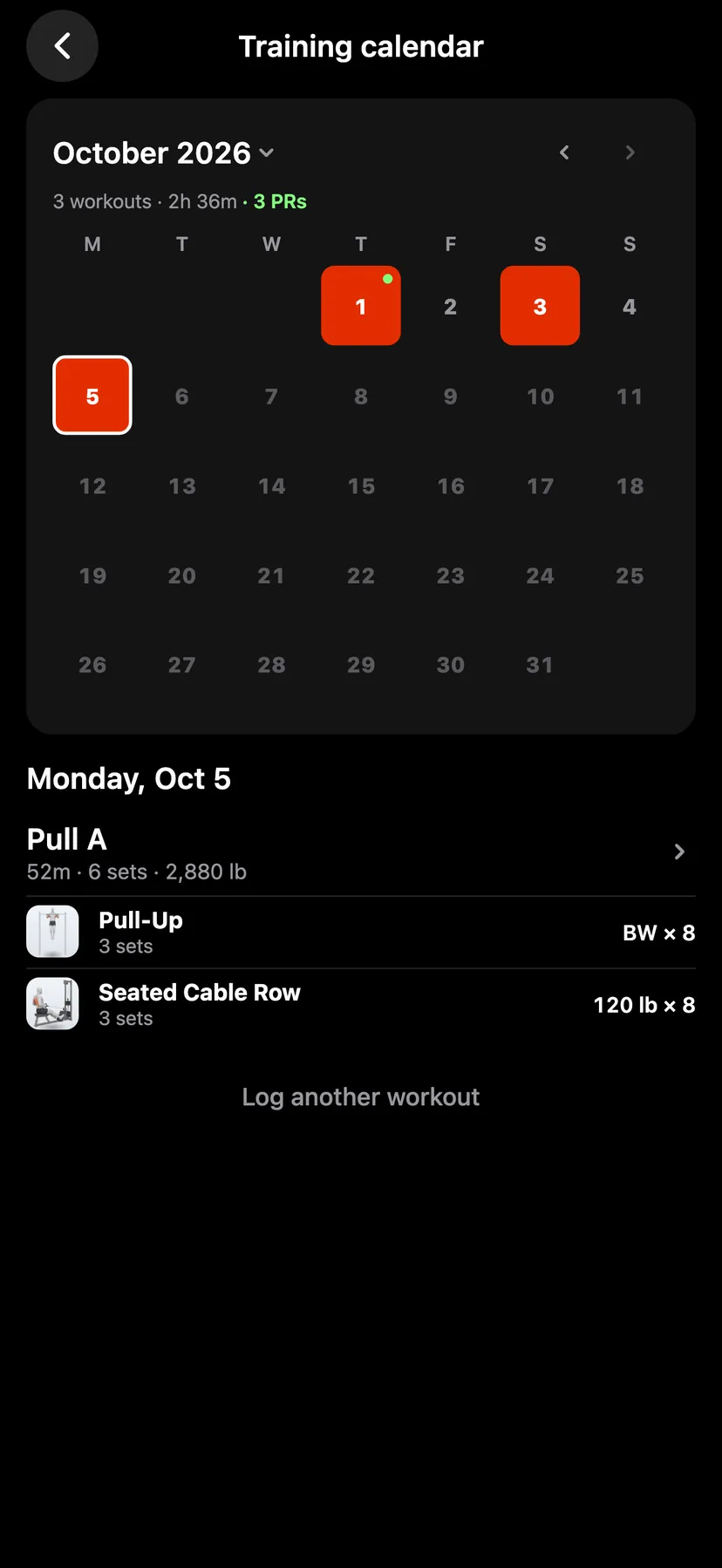
Finish a workout. For an earlier workout, tap the calendar button on Train or Stats to open Training calendar, tap a day, then tap the workout's name under the calendar.
- 2
The share button is beside Done at the bottom of the summary. A preview of the image opens on Record, or on Summary when the workout set no record.
- 3
Tap Record, Summary, Muscles or Log, or swipe the preview. Record shows one exercise's best set. Summary shows the workout's totals and its week. Muscles shows the body shaded by the workout. Log lists every exercise with its top set.
- 4
Under Color, tap Orange, Black or Paper. The color applies to all four cards, and Repva opens the next image in the color you last used.
- 5
Under Exercise, tap any exercise in the workout. An exercise that set a record is marked PR. Record opens on the record with the largest gain.
- 6
The iPhone share sheet opens with the card that is showing.
Details
- Every card shows the workout's date and name and the Repva wordmark.
- Record shows the exercise's full name, its best set, the gain over the old record and how many other records the workout set. A gain in estimated 1RM or set volume is labeled est. 1RM or set volume. A custom exercise shows its photo if it has one.
- Summary shows Time, Volume, Sets and Records. A cardio workout shows Distance, Time, Pace or Speed and Records.
- Muscles lists the 6 muscles with the most working sets, then how many more were worked.
- Log shows up to 10 exercises. A longer workout counts the rest in the last tile, and a long exercise name is cut short.
- The image carries no username and no profile photo.
- Only counted exercises and sets appear. Warm-up sets are not counted.
- The image is made on your iPhone. Repva sends it to no server and keeps no copy.
- The Report tab in Stats shares a month, a year or all time as square images of the same size.
Related features
Checked against the app on November 13, 2026.