
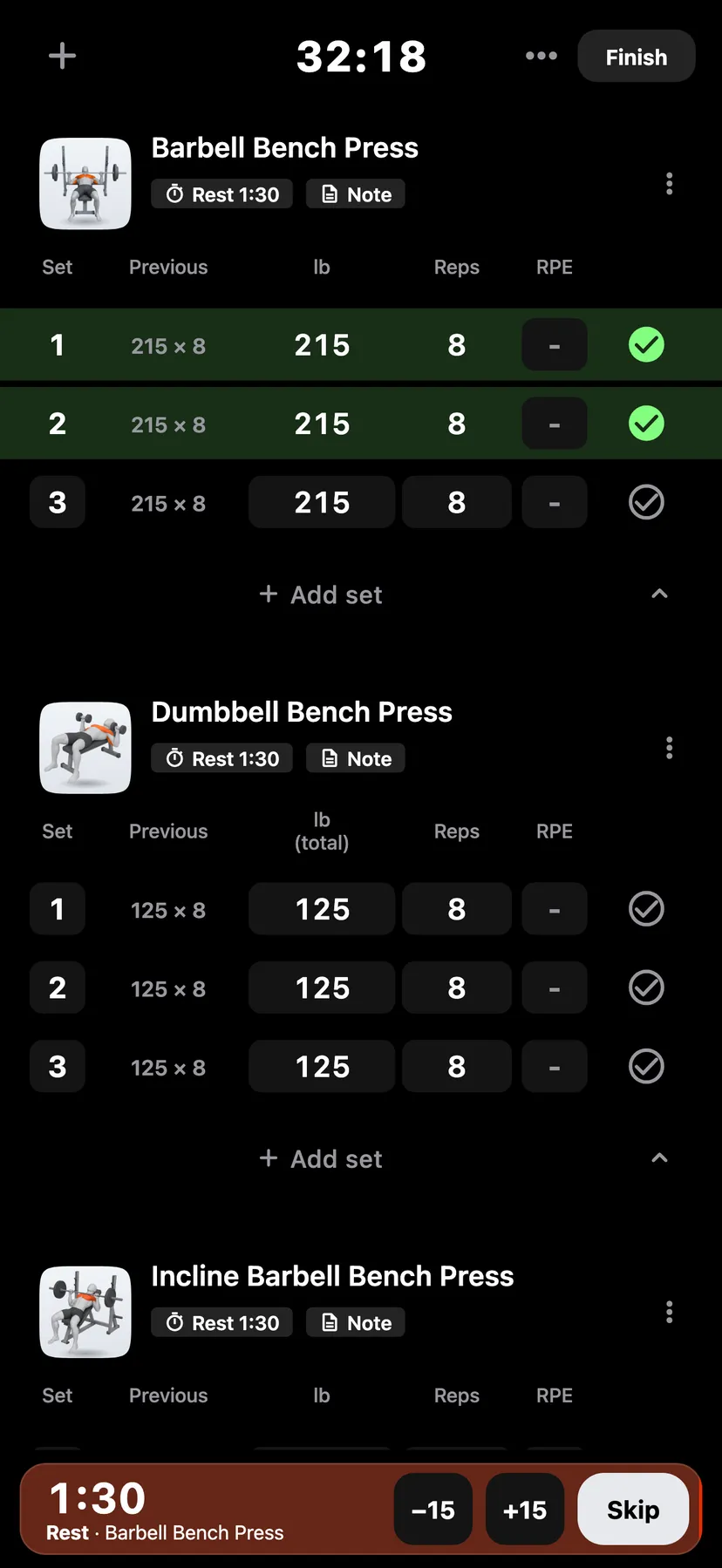
Example data
Warm-up, Drop and Failed Sets
Each set is a working set, a warm-up or a drop set. A set of any kind can also be tagged as failed.
WhereTrainthena workoutthena set's number
- 1
Tap the set's number. The sheet has a Set type bar with Working, Warm-up and Drop set.
- 2
Under Set type, tap Warm-up or Drop set. The set's number changes to that kind's badge. Working changes it back to the number.
- 3
In the same sheet, turn on Failed. Enter the reps you completed before the miss.
Details
- Warm-ups stay in the log. They do not count toward volume, set totals, muscle counts or records, and no setting changes that.
- A drop set counts as a working set for every count and record.
- A failed set with reps counts toward records like any other set with those reps. A failed set with 0 reps earns no record and still counts as a set.
- Failed is in workouts only. A routine has no Failed switch.
- On Apple Watch you can mark a set's type and Failed.
Related features
Checked against the app on November 13, 2026.