
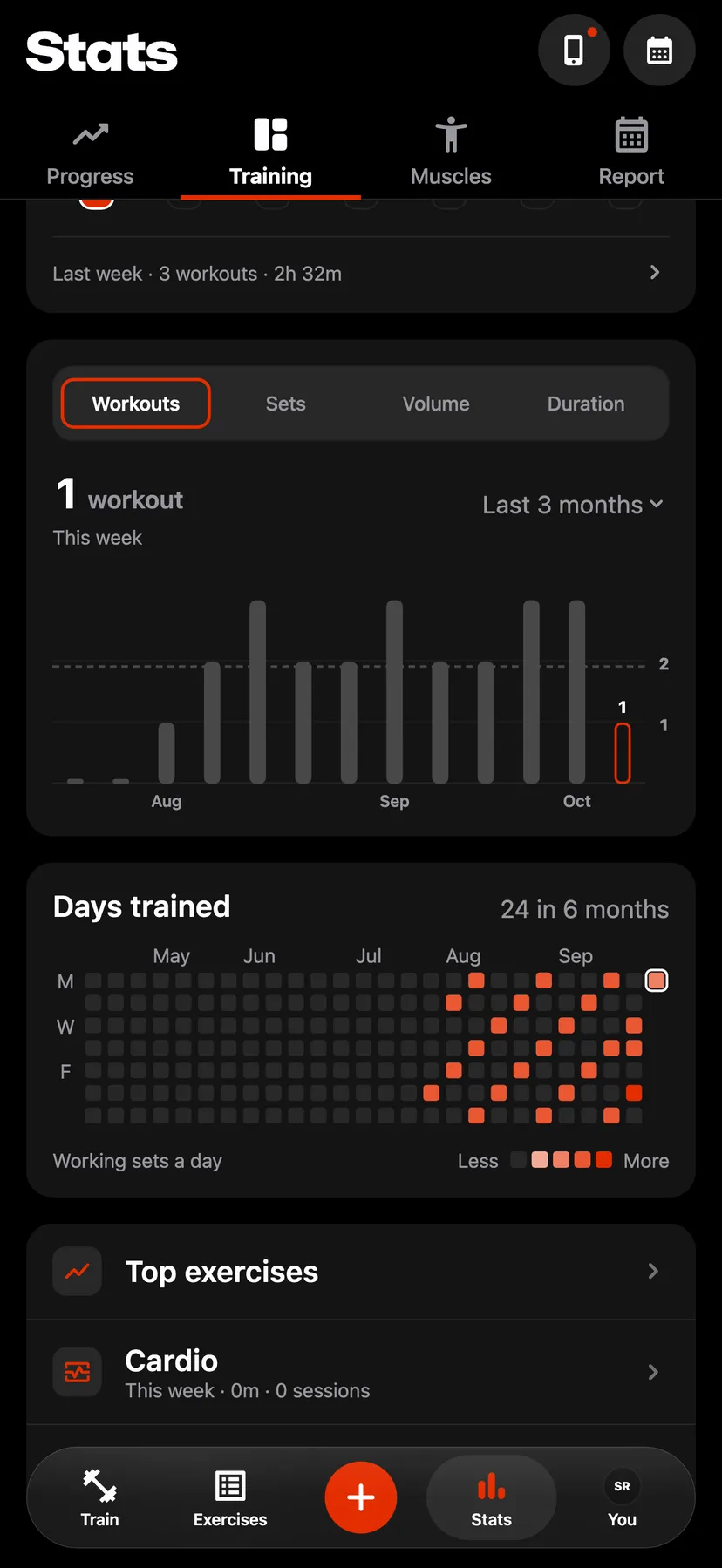
Example data
Top Exercises
Top exercises ranks your exercises by how many workouts include them in a period you choose. Each row shows the exercise's best set.
WhereStatsthenTrainingthenTop exercises
- 1
Tap Stats in the dock, then Training. Scroll to the list of pages and tap Top exercises.
- 2
Tap 30 days, 3 months, Year or All. The page opens on 30 days.
- 3
Each row has its rank, the exercise, the number of workouts that include it in the period and its best set. An exercise with no best set shows its number of sets.
- 4
Tap a row to open that exercise's page.
Details
- Exercises in the same number of workouts are ordered by their working sets in the period.
- The best set is the exercise's best ever, whichever period is chosen.
- The periods count back from today: 30 days, 90 days and 365 days. All covers every workout.
- A workout with only warm-up sets of an exercise counts as a workout for it and adds no sets.
Related features
Checked against the app on November 13, 2026.