
Example data
Rep Records
Rep records lists the heaviest weight you completed for each rep count from 1 to 12 on one exercise.
WhereExercisesthenan exercisethenAll records
- 1
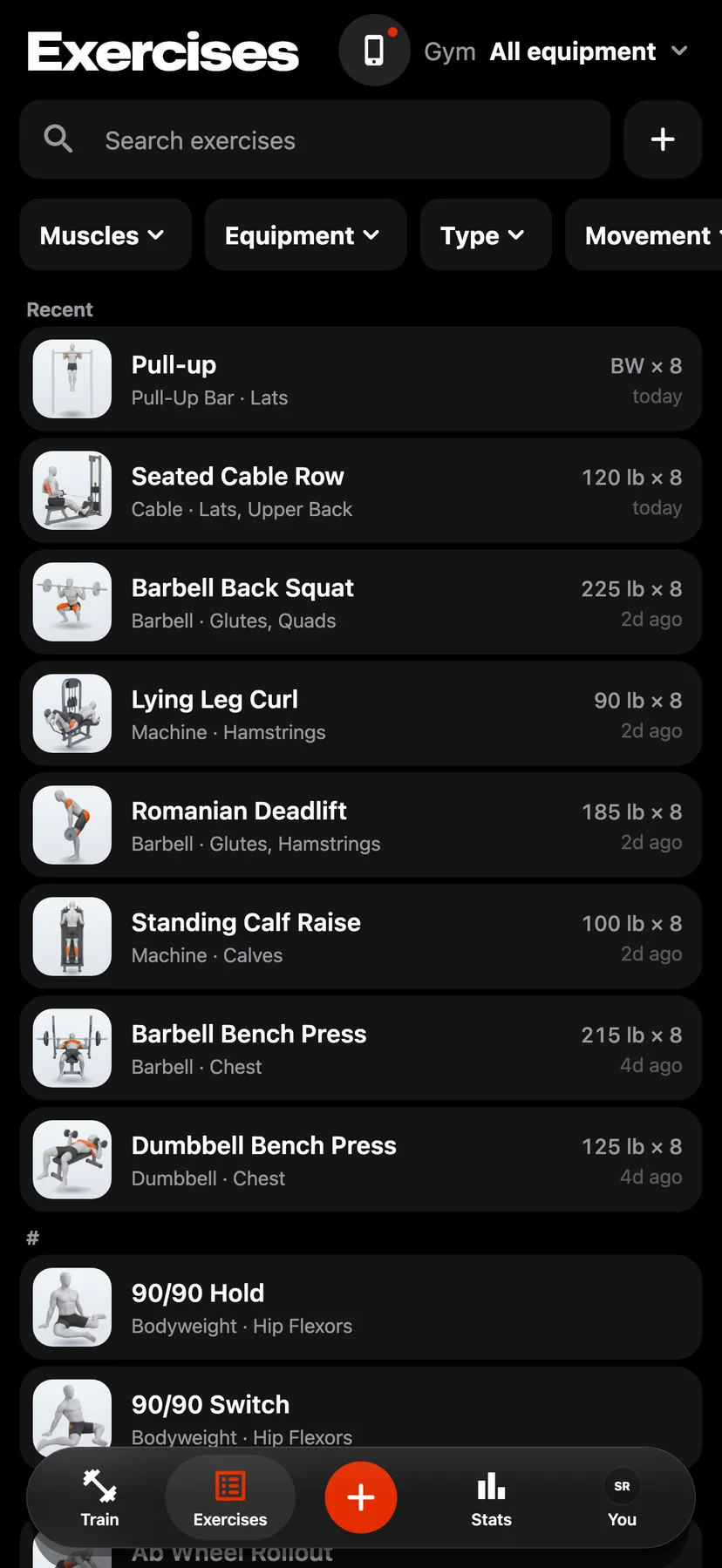
On Exercises, tap an exercise's card.
- 2
On Stats, tap All records on the Records card.
- 3
Under Rep records, a grid shows the rep counts 1 to 12 with the heaviest weight for each. A rep count you have not logged shows a dash.
- 4
Tap a rep count to open the workout that set its record.
Details
- Best by reps, on the exercise's Stats, lists the same records for the rep counts you have reached.
- Rep records show for exercises logged as weight and reps or as weighted bodyweight. A weighted bodyweight exercise shows the weight you added, with a plus sign.
- Warm-up sets do not count.
- Sets of more than 12 reps are not listed.
- A record set in the last 30 days shows in a different colour.
- When two sets tie, the record keeps the earlier day.
Related features
Checked against the app on November 13, 2026.