
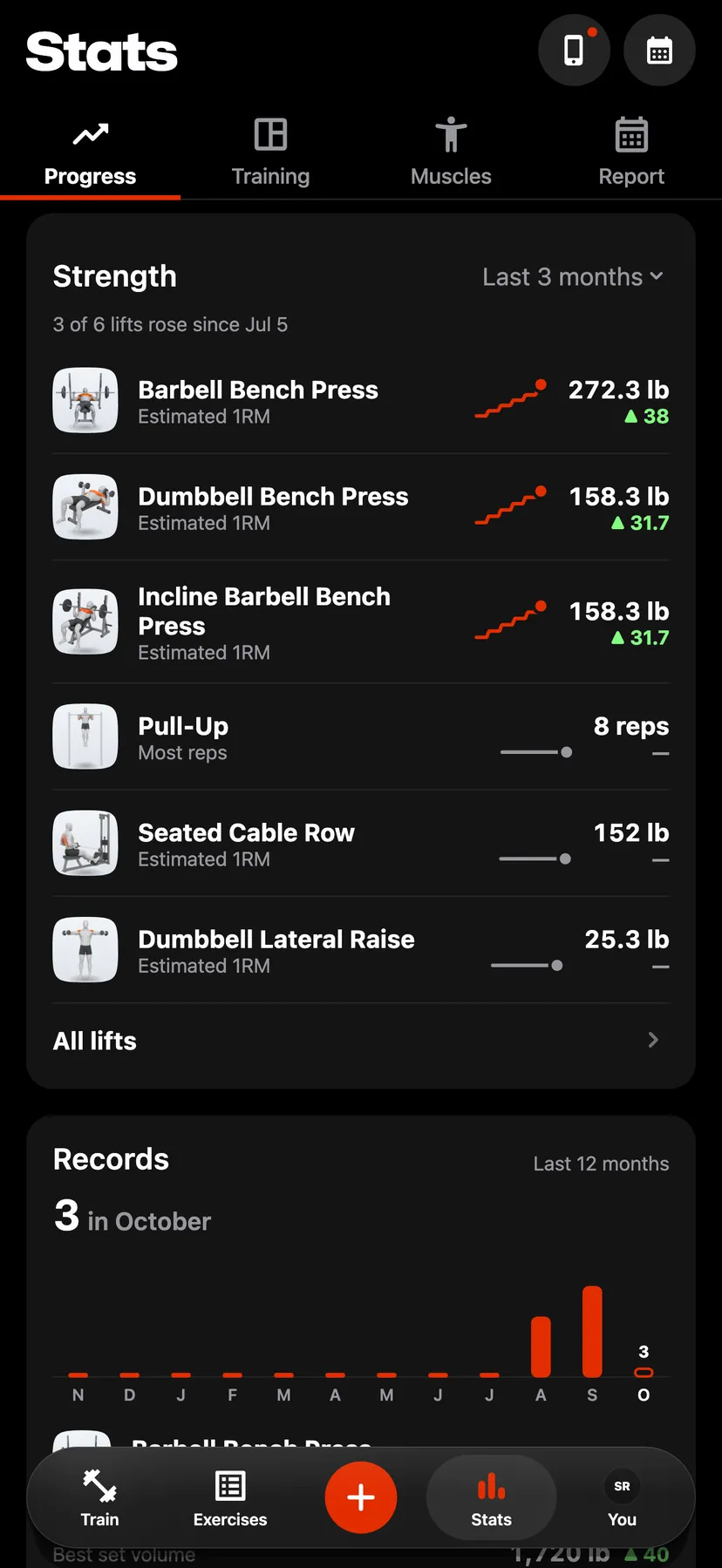
Example data
Strength Progress
The Strength card on the Progress tab lists the lifts you trained most in a range, each with a line of its sessions, where it stands now and its change.
WhereStatsthenProgressthenStrength
- 1
Tap Stats in the dock. Stats opens on Progress, with Strength at the top.
- 2
Tap the range at the top of the card and choose Last 3 months, Last 6 months, Last year or All time.
- 3
Each row shows the lift, the record it is read by, a line of its sessions, its figure now and its change over the range. Tap a row to open the exercise.
- 4
The card lists up to six lifts. Tap All lifts to open Lifts, which lists every lift trained in the range.
- 5
Search, order and filter Lifts
On Lifts, type in Search to find a lift by name. Tap the order to choose Most performed, Most improved, Least improved or A–Z. Tap All muscles to keep only the lifts that target the muscles you pick.
Details
- A lift is read by Estimated 1RM, Heaviest weight, Most reps or Longest hold, depending on what it logs.
- The figure is the best of the lift's last sessions in the range. The change compares it with the best of its first sessions, so one light session does not read as a fall.
- A lift with one session in the range has no change. On Lifts it sits under One session in this range.
- Warm-up sets are not counted.
Related features
Checked against the app on November 13, 2026.