
Example data
Repva APIPro
With Repva Pro, your account can have an API key. A script or an AI app uses the key to read and change your workouts, routines, exercises and body measurements.
Whererepva.fitthenDeveloper
- 1
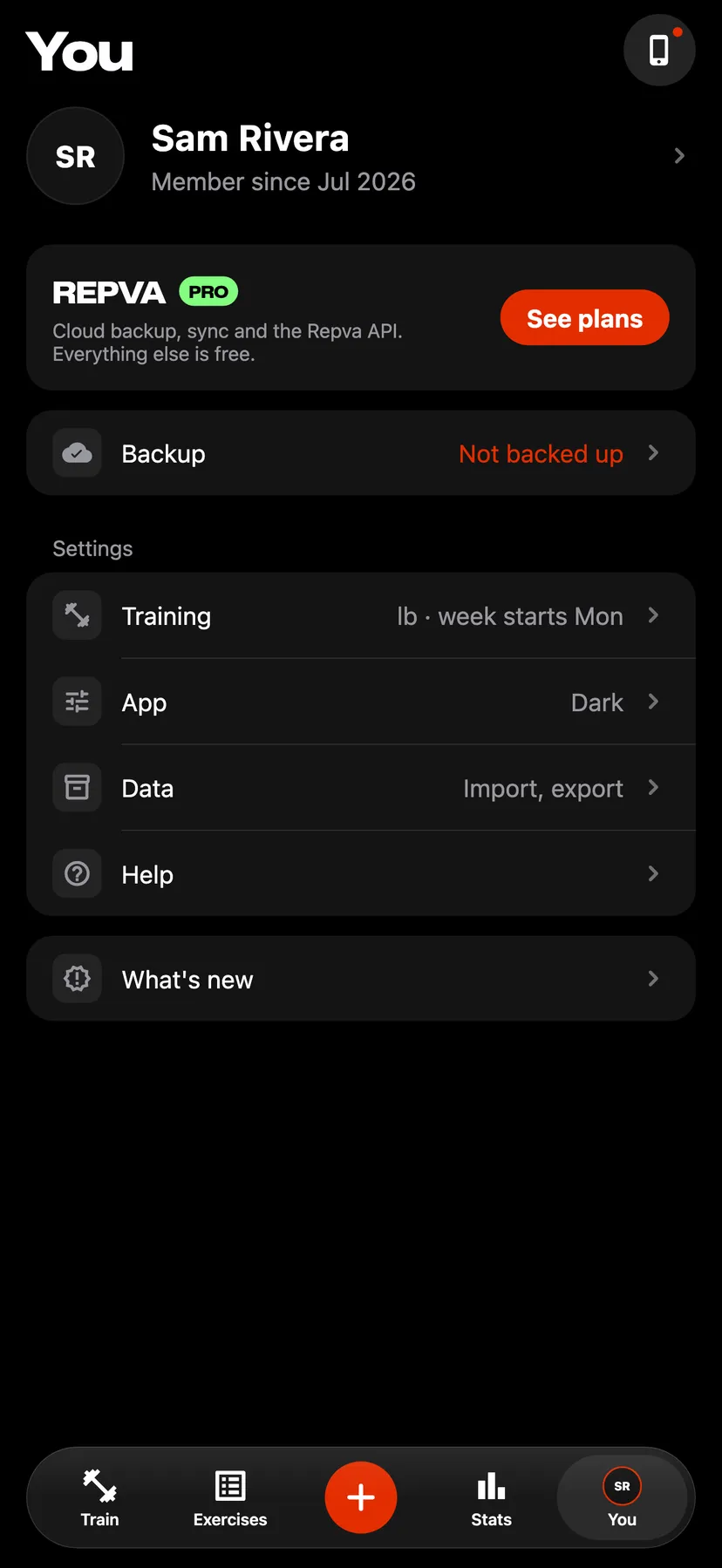
The Repva API comes with Repva Pro. On You, tap See plans on the Repva Pro banner.
- 2
Sign in on the Developer page
In a browser, open repva.fit/developer. Enter your Repva account's email, tap Send code and enter the code from the email.
- 3
Generate a key
Tap Generate API key, then Copy. Repva shows the key only once.
- 4
Send requests
The Developer page shows the API's URL. Send the key with each request in the api-key header.
- 5
Replace or revoke the key
Replace key issues a new key, and Revoke key removes the key. Either way, the current key stops working at once.
Details
- An account has one key.
- The limit is 60 requests a minute and 2,000 a day.
- The API reads and writes workouts, routines, routine folders, exercises, exercise notes and body measurements. It deletes nothing.
- Health data, photos and account settings are never returned or changed.
- The Developer page signs in with an email code.
- Requests from an account without Repva Pro are refused.
Related features
Checked against the app on November 16, 2026.